
Screen Recorder - XRecorder
InShot Inc.
Downloads
100,000,000+
Version
Latest
Click to download now, finish the installation quickly, and directly unlock the all-round experience
Screenshots
Click to download now, finish the installation quickly, and directly unlock the all-round experience
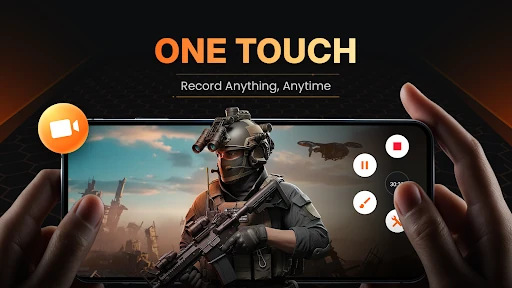
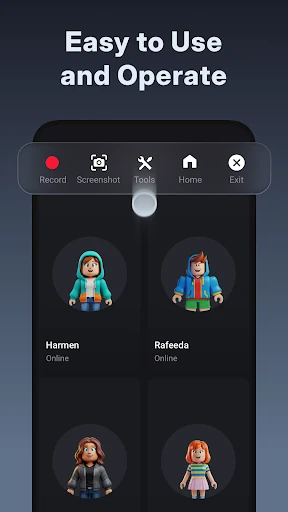
Screen Recorder - XRecorder captures what is happening on your Android display, making it useful for recording mobile games, app walkthroughs, lessons, video calls and other on-screen activity. It suits anyone who needs a recording without relying on a separate camera or computer.
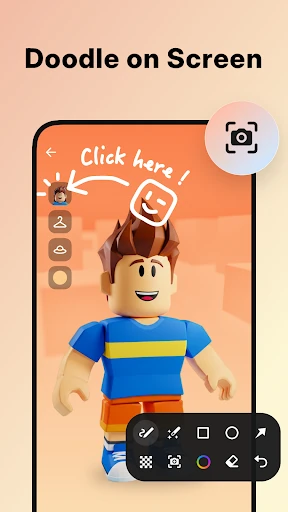
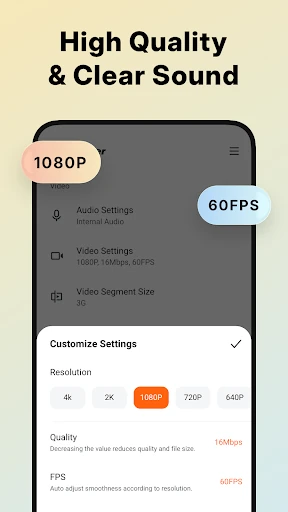
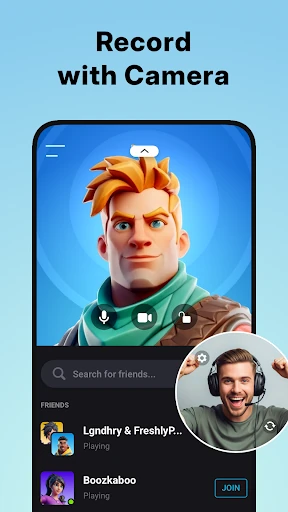
The app can record system audio internally, helping keep gameplay and demonstrations clearer than recordings made through a phone microphone. It does not require root access and can produce recordings without a watermark. Facecam support is available for reactions or presenter-led videos, while on-screen brush tools let you mark or point out details during a recording.
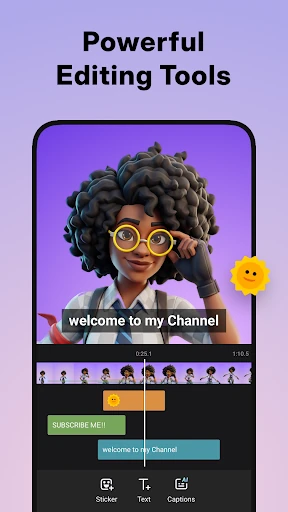
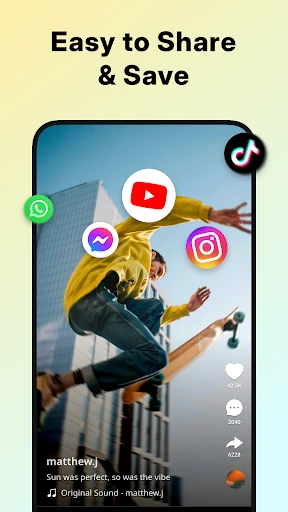
XRecorder includes editing tools for trimming clips, changing playback speed and adding music after recording. That is useful when a raw screen capture needs a quick cleanup before sharing. RTMP support also gives streamers a way to broadcast directly to compatible services rather than saving every session first.
The app has a 4.7 rating from more than 7.5 million reviews and has passed 100 million installs. Those figures point to a tool people use for recurring recording tasks rather than a novelty utility. It is published by InShot Inc. in the Video Players & Editors category.